
 Par help
Start a round
Set up a round in a few taps: who is playing, how many holes, how you are scoring, and which course.
-
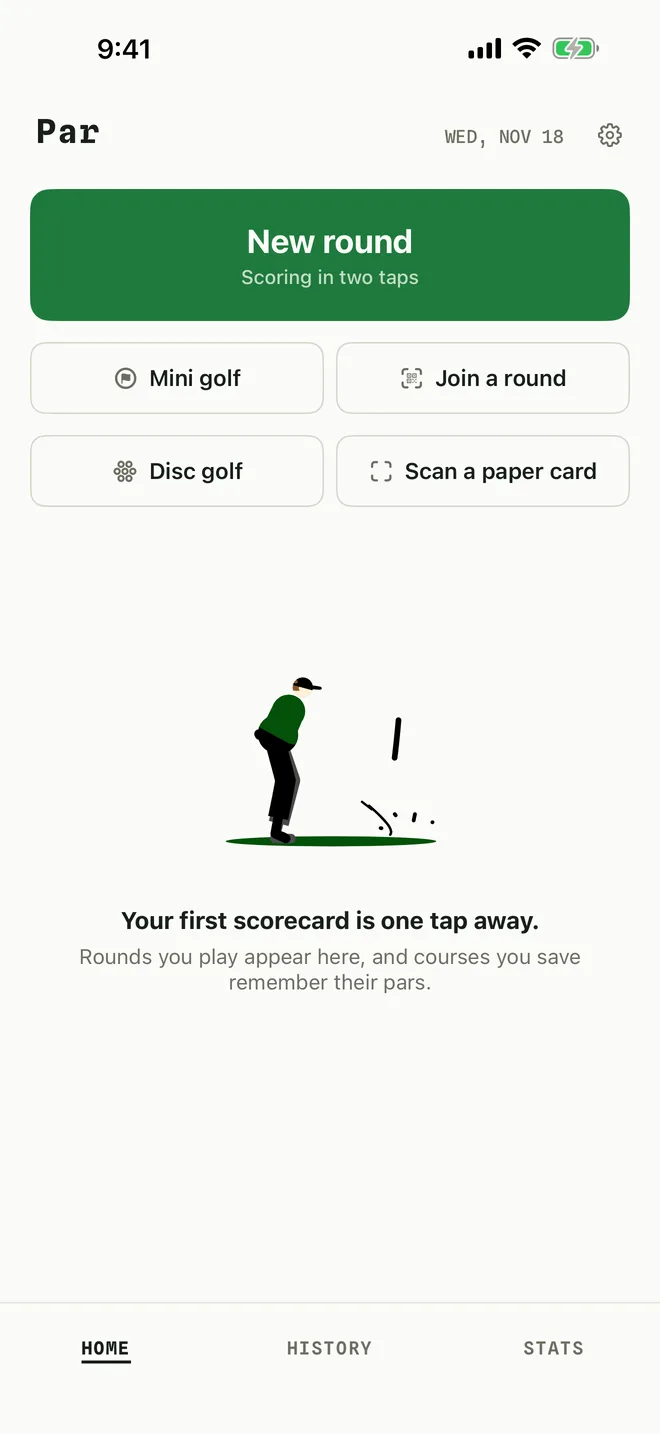
1Tap New round
On the home screen, tap New round. For a quick game you can also tap Mini golf or Disc golf to start with those settings already chosen.
-
2Add the players
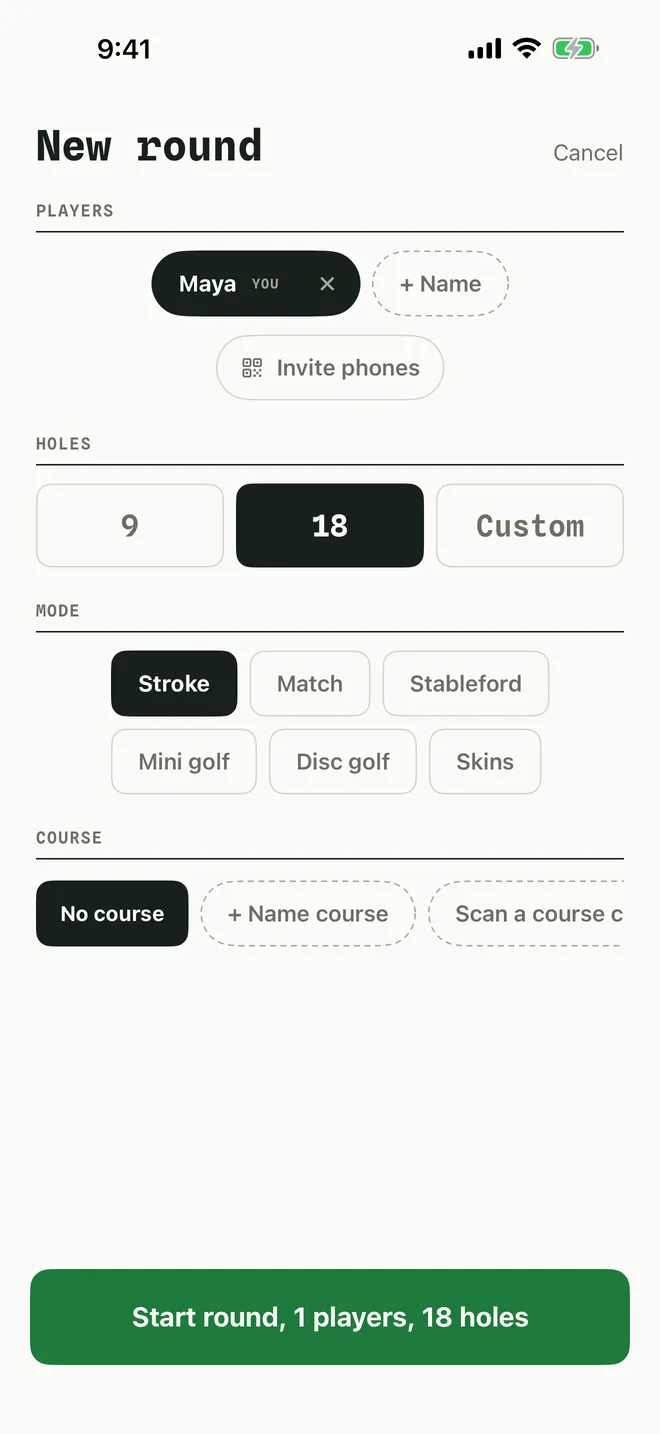
You are already on the card. Tap + Name to add each friend. Shuffle changes the playing order.
The name Par uses for you comes from Your name on the card in Settings.
-
3Choose holes and mode
Pick 9, 18 or Custom. Under MODE, choose how you are scoring: Stroke, Match, Stableford, Mini golf, Disc golf or Skins. Skins needs Par Pro.
-
4Pick a course, then start
Under COURSE, choose a saved course so the pars fill in, or leave No course and Par will ask to save it at the end. Then tap the green Start round button.
On the free plan you can complete one round a day and save up to three courses. Par Pro removes both limits.
More in Getting started
Still stuck?
Tell us what you see — a screenshot helps — and a person will reply by email, usually within a day.