
 Geode help
When Geode is not sure
When a photo is not clear enough to call, Geode says so instead of guessing.
-
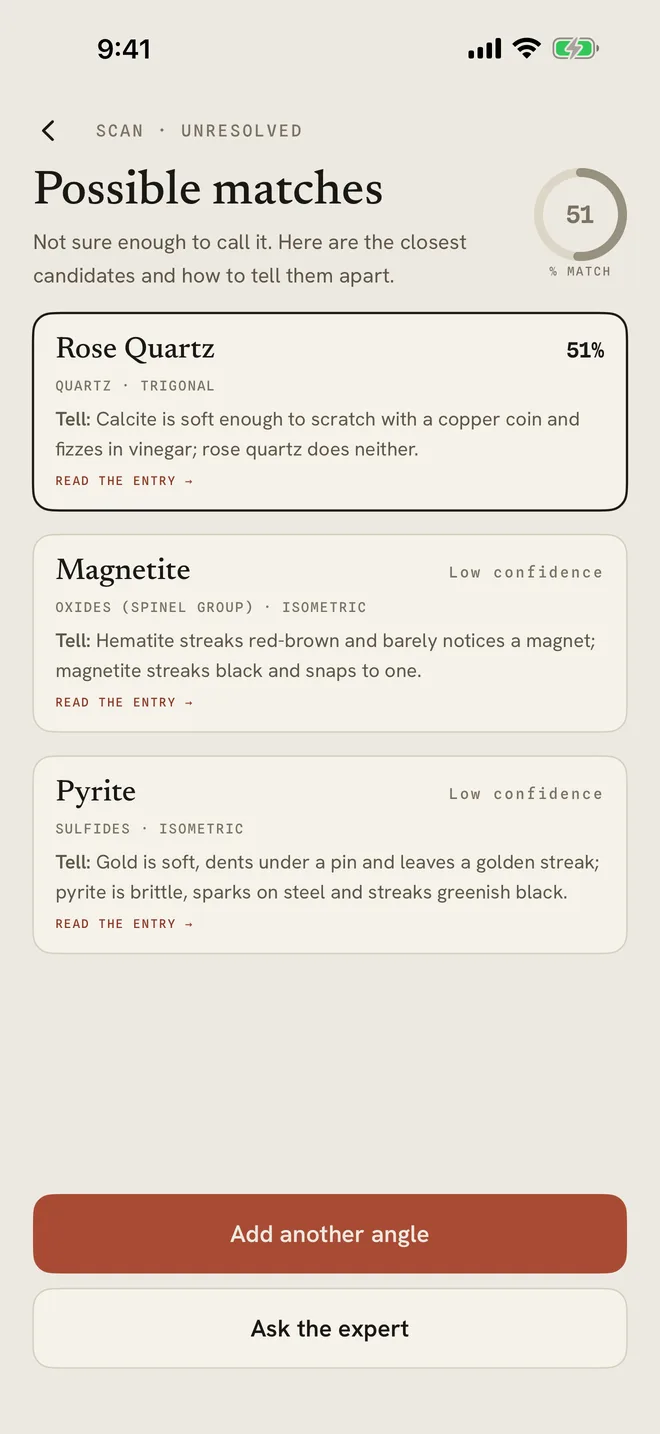
1Possible matches
If Geode is not sure, you see Possible matches: the closest candidates, each with a Tell line explaining how to tell them apart, for example by hardness or streak.
Tap Add another angle to take one more photo, which often settles it. That second look at the same stone is free and does not use another scan. With Pro you can also tap Ask the expert.
-
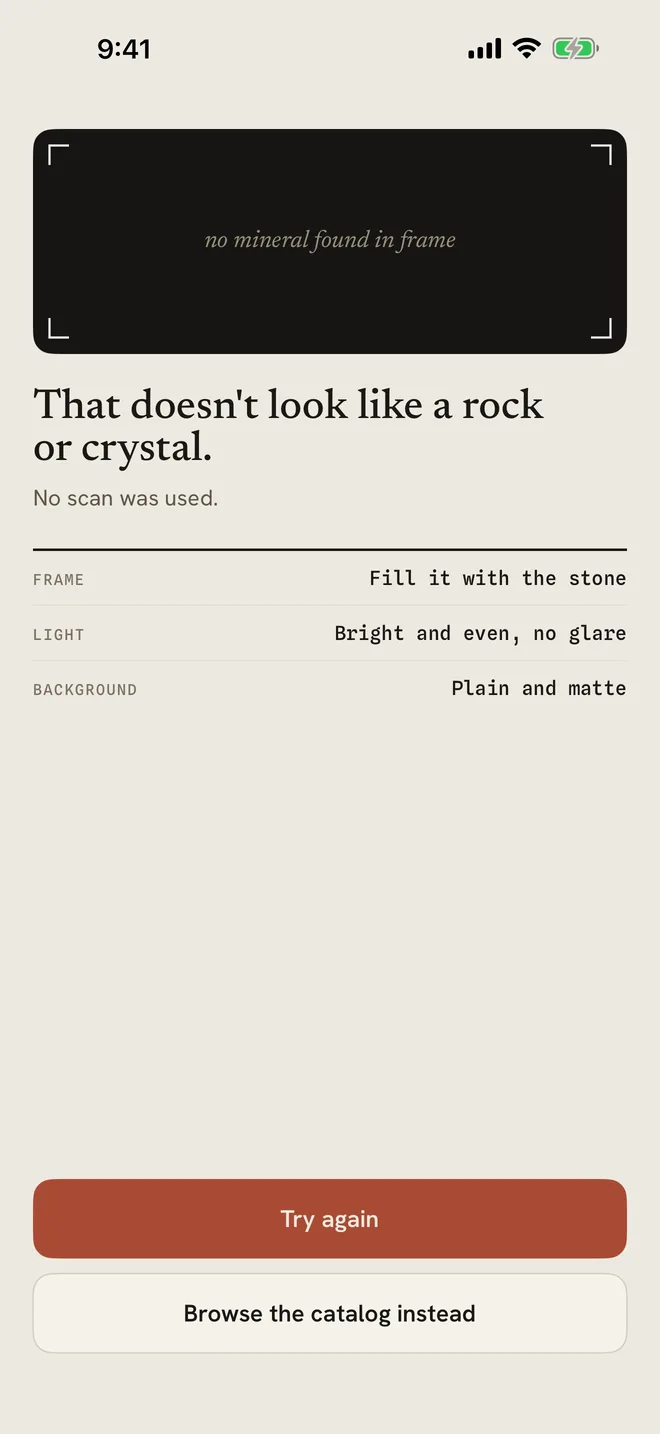
2Not a rock or crystal
If Geode cannot find a mineral in the frame it says That doesn't look like a rock or crystal. No scan was used, so it does not count against your daily scans.
Check the frame, light and background tips, then tap Try again. Or tap Browse the catalog instead to look it up yourself.
More in Identify a stone
Still stuck?
Tell us what you see — a screenshot helps — and a person will reply by email, usually within a day.