
 Geode help
Identify a rock, crystal or mineral
Point your camera at a stone, take one or more photos, and Geode tells you what it is and how sure it is.
-
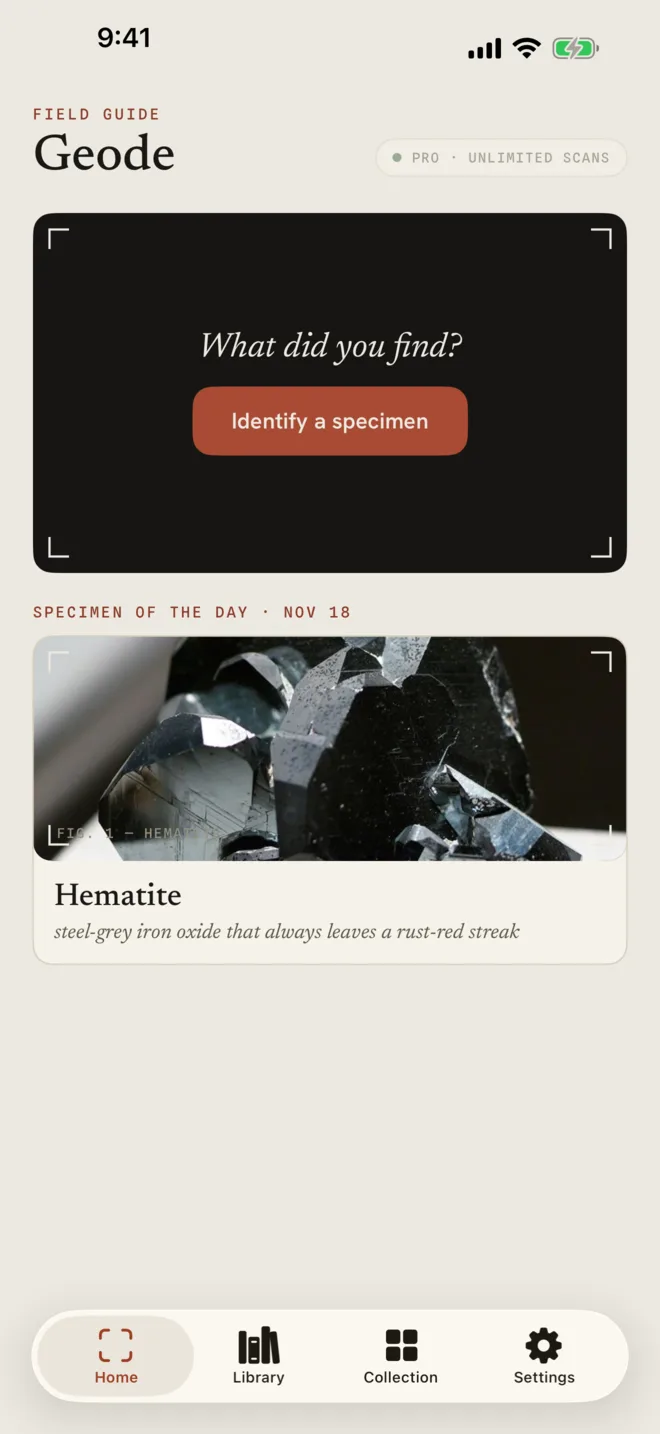
1Tap Identify a specimen
On the Home tab, tap Identify a specimen.
-
2Frame the stone and take the photo
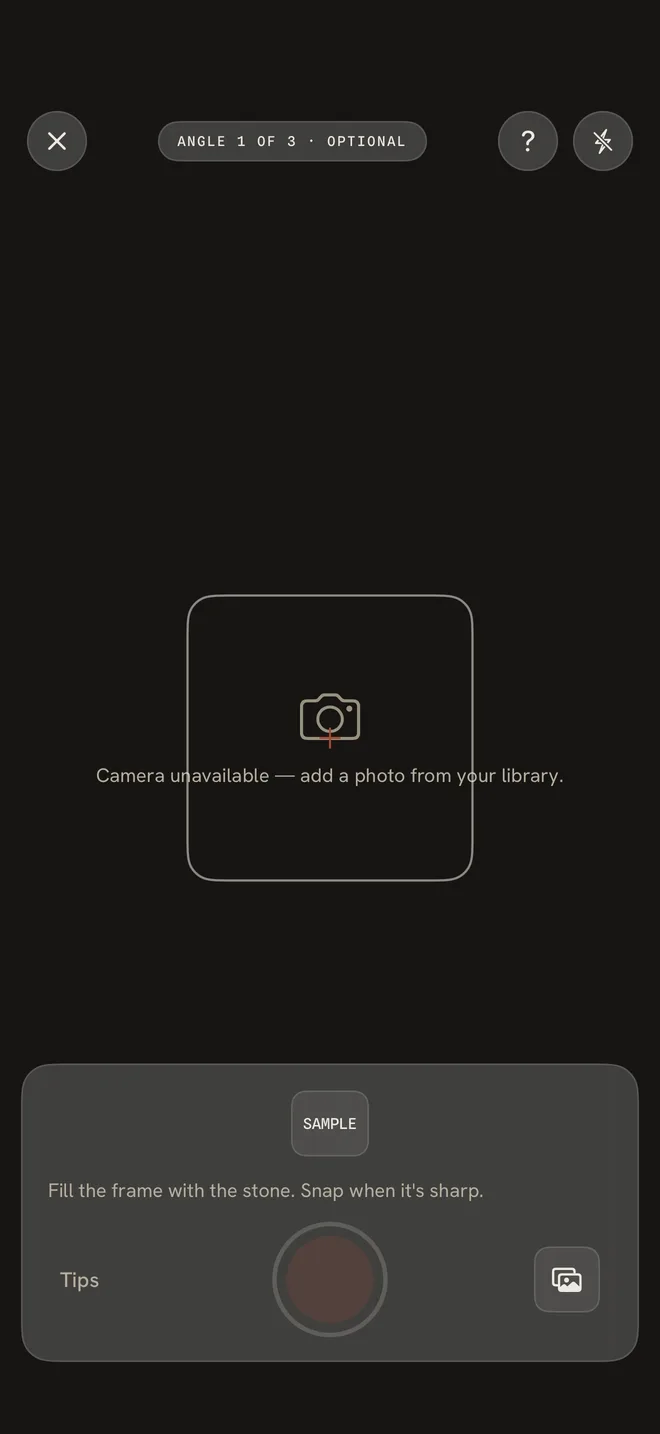
Fill the frame with the stone and take the photo when it is sharp. Tap Tips for help getting a good shot. You can also pick a photo from your library with the button at the bottom right.
- Use bright, even light with no glare.
- Put the stone on a plain, matte background.
- Get close enough that the stone fills most of the frame.
-
3Add another angle, or identify now
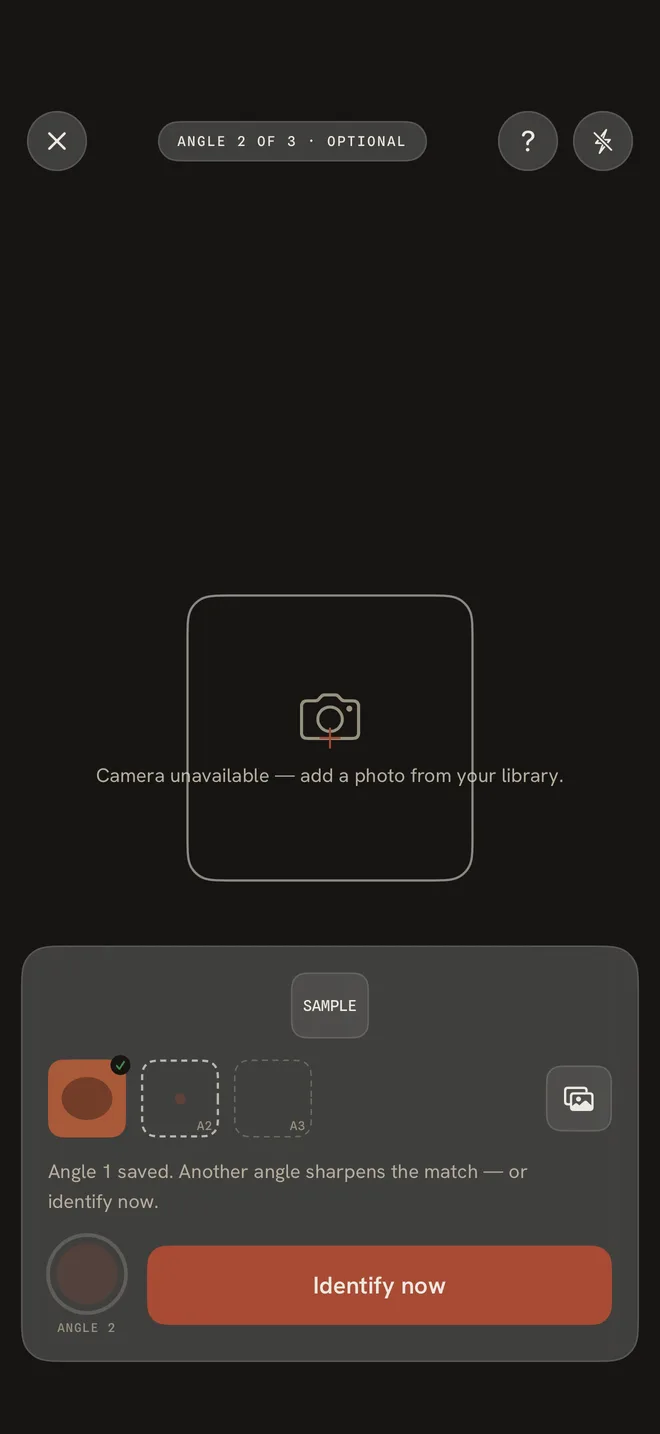
After the first photo Geode says Angle 1 saved. Another angle of the same stone sharpens the match, and you can add up to three. When you are ready, tap Identify now.
-
4Read the result
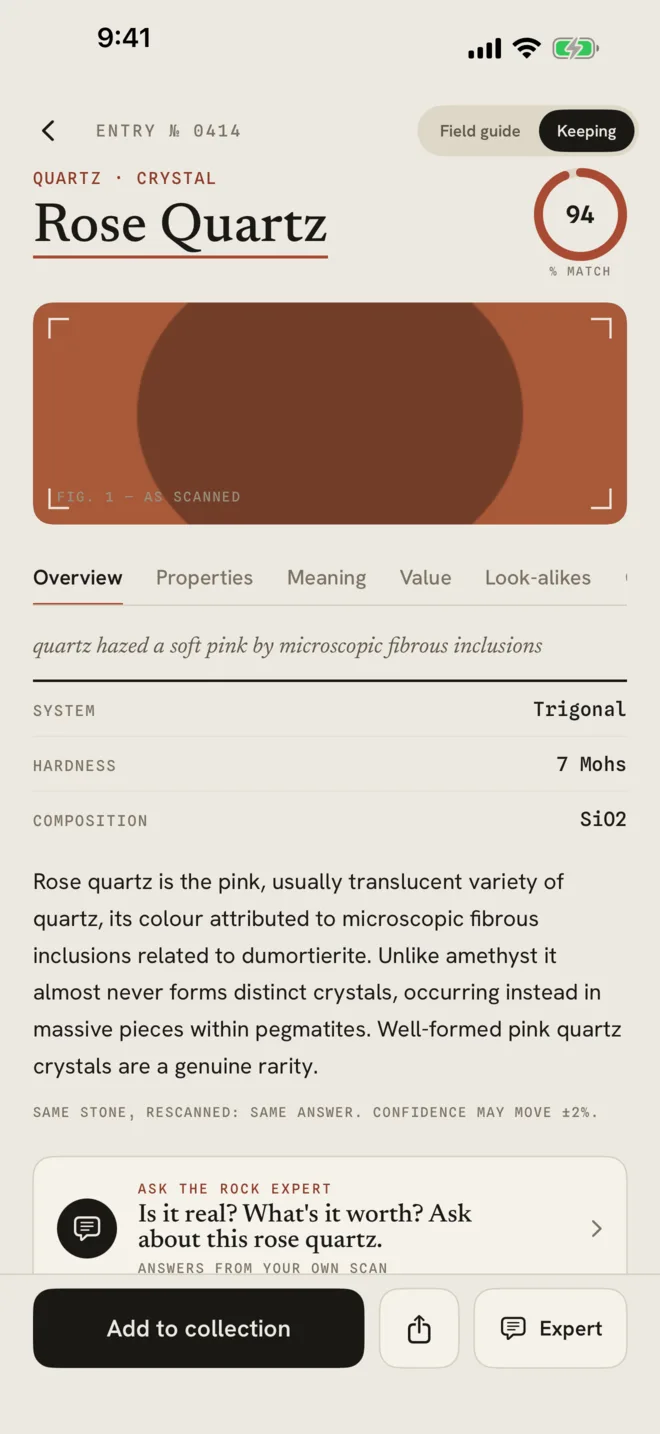
The name, its family and the % MATCH appear at the top. Overview gives the crystal system, hardness, composition and a short description.
Scanning the same stone again gives the same answer, so you can trust that a result will not change on a second try.
More in Identify a stone
Still stuck?
Tell us what you see — a screenshot helps — and a person will reply by email, usually within a day.