
 Geode help
Wishlist and the encyclopedia
Look up any stone in the encyclopedia and keep a wishlist of the ones you want to find.
-
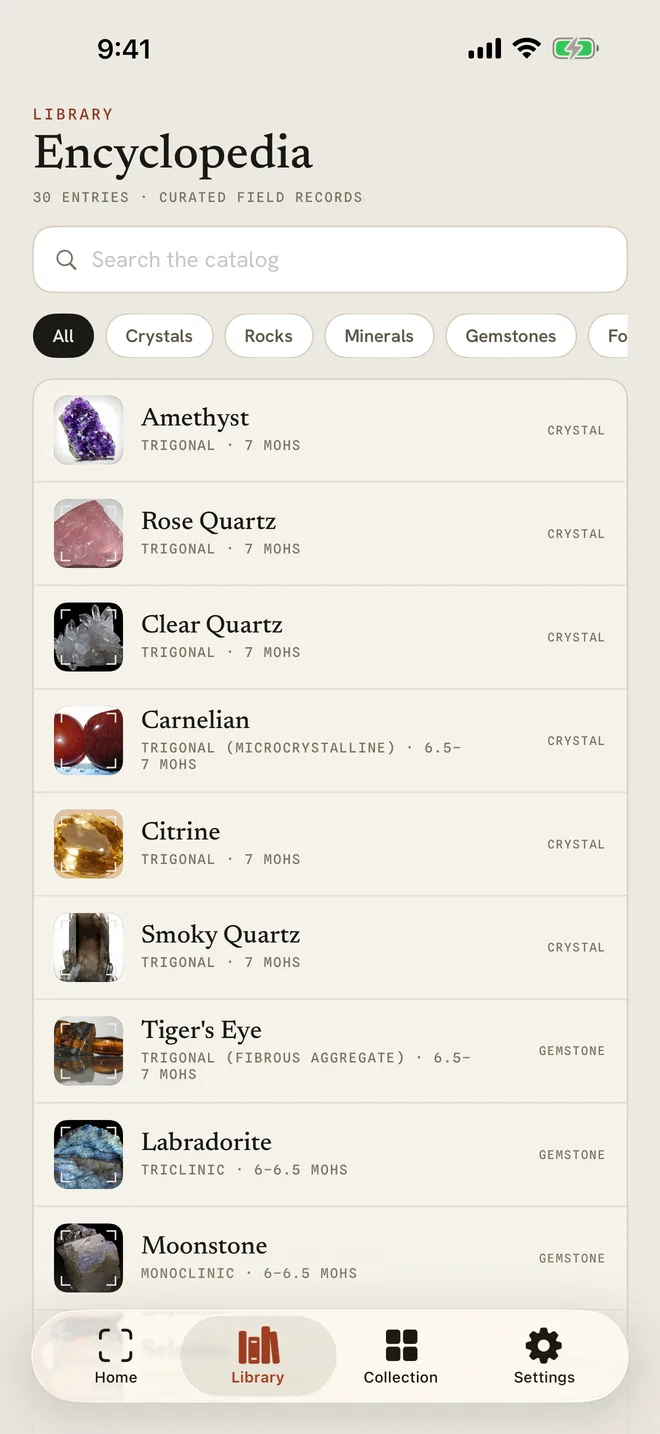
1Search the encyclopedia
Open the Library tab and use Search the catalog, or filter by Crystals, Rocks, Minerals or Gemstones. Tap an entry to read it.
-
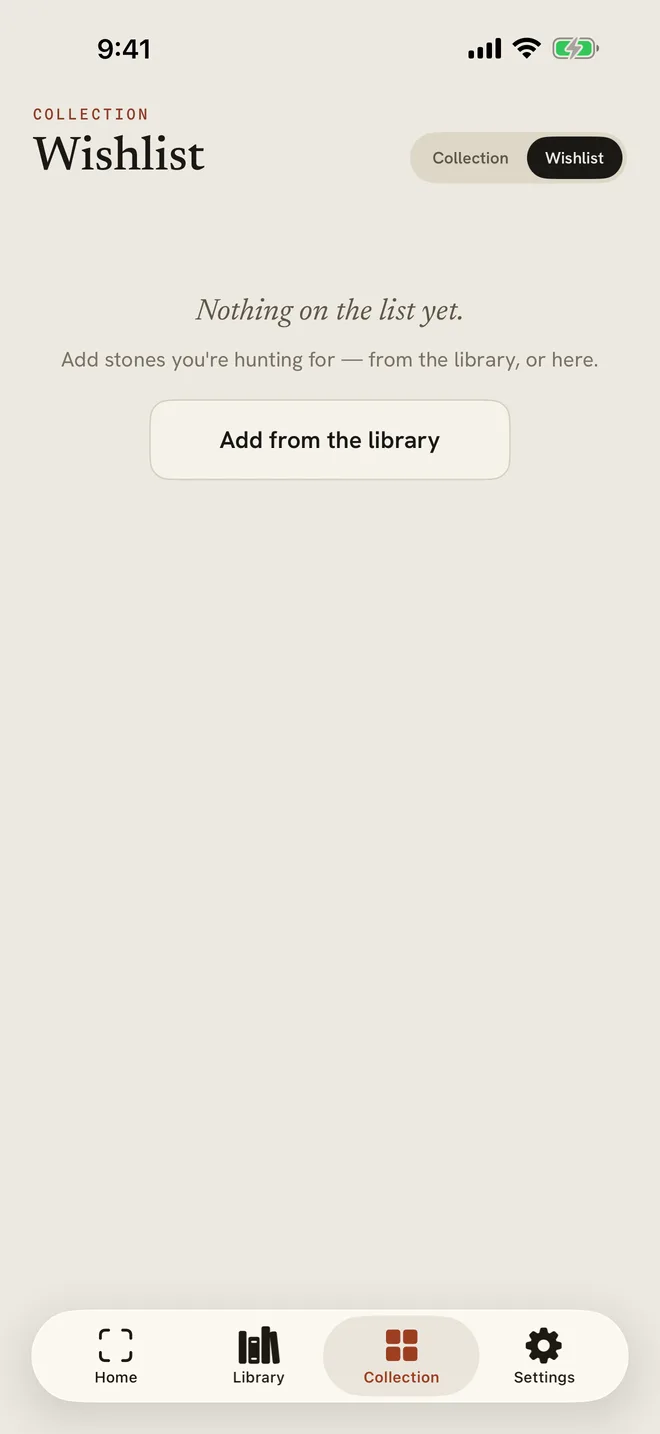
2Keep a wishlist
In the Collection tab, switch to Wishlist. Tap Add from the library to add stones you are hunting for.
More in Your collection
Still stuck?
Tell us what you see — a screenshot helps — and a person will reply by email, usually within a day.