PDF Converter
Scan, Edit, Sign & Merge
Productivity · iPhone & iPad
Scan, convert, edit and share PDFs entirely on your iPhone and iPad.

Free · Works offline, nothing uploaded
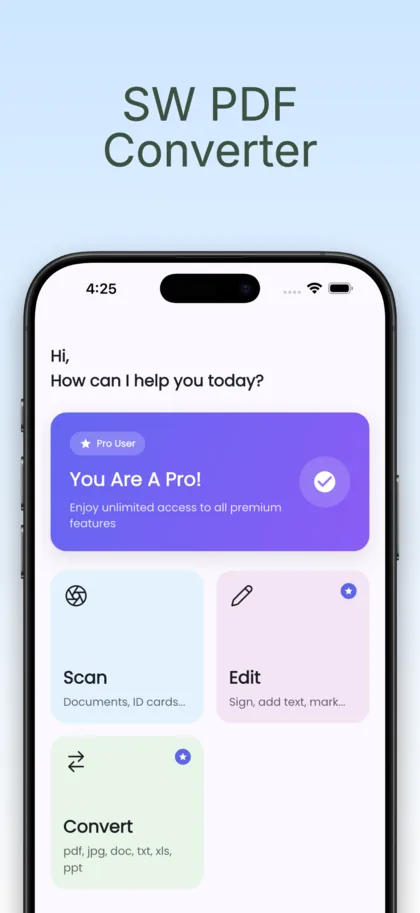
Swipe to see more
What it does
-
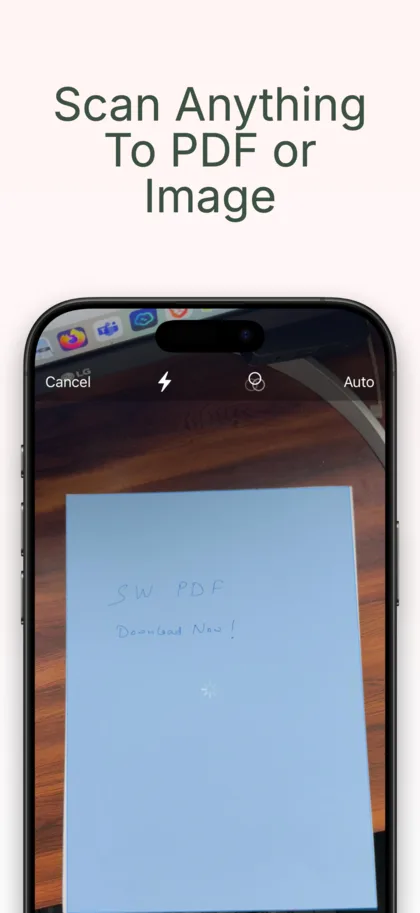
Scan anything
Documents, receipts, IDs and whiteboards, with auto-crop and perspective correction.
-
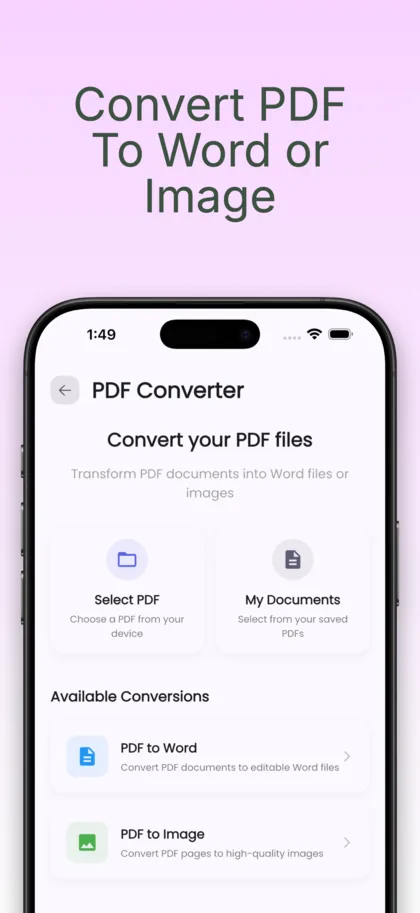
PDF to editable Word
Convert single files or whole batches, and export pages as JPG or PNG.
-
Edit properly
Text, highlights, shapes and stamps, freehand drawing, form filling and your signature.
-
Organise your pages
Merge, split and reorder until the document is what you needed.
-
Everything on device
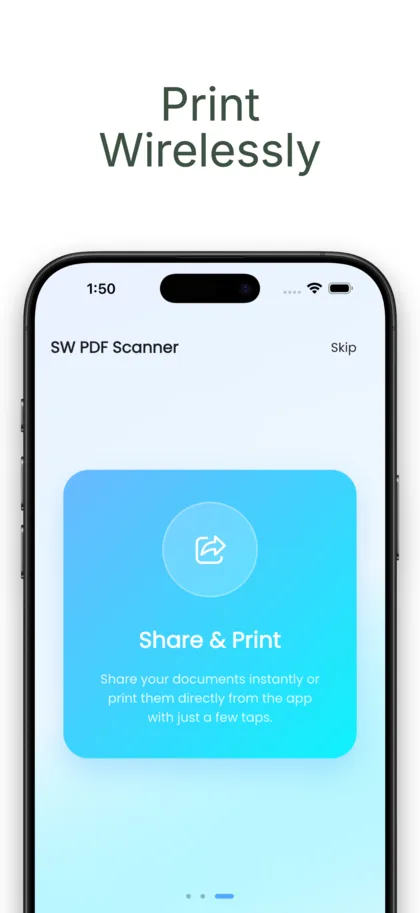
It works offline and your documents never leave your phone.
-
Rebuilt in Swift
Version 2 is a ground-up rewrite for speed on iPhone and iPad.
What's free, what's Pro
Free
- Scan, convert and export
- Core editing and signing
- Everything processed on device
Pro
- Unlimited scans and batch conversion
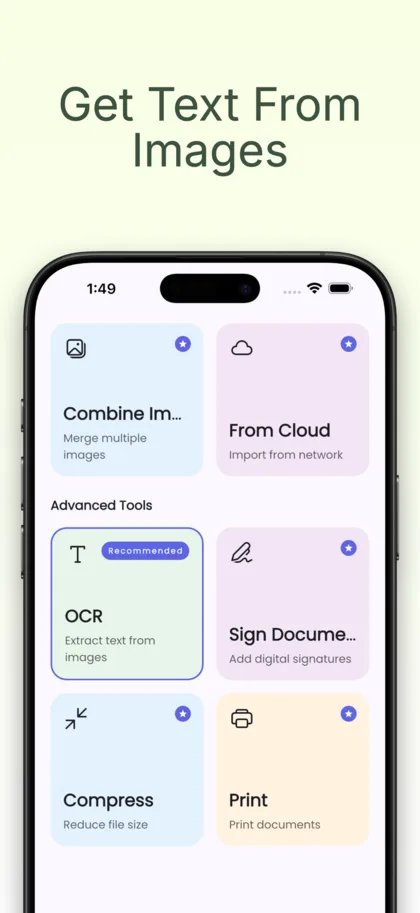
- The full editing and AI toolset
- Weekly, monthly or yearly
Your documents are processed on your device and are never uploaded. Read PDF Converter's privacy policy.
Something not working? Get help with PDF Converter — we reply to every message, usually within a day.
Common questions
What can I scan?
Documents, receipts, IDs and whiteboards, with automatic cropping and perspective correction.
Can it convert PDF to Word?
Yes — PDF to editable Word, single files or whole batches, and you can export pages as JPG or PNG.
Can I sign and edit a PDF?
Yes. Add text, highlights, shapes and stamps, draw freehand, fill forms and add your signature. You can also merge, split and reorder pages.
Do my documents get uploaded?
No. Everything is processed on your device, it works offline, and your documents never leave your phone.
Is it free?
Yes, to download. Scanning, converting, exporting and core editing and signing are free. Pro adds unlimited scans, batch conversion and the full editing toolset, weekly, monthly or yearly.
Your scanner, converter and editor — offline.
Free to download on iPhone and iPad.