Email Draft
Any tone, polished in seconds
Productivity · iPhone & iPad
Stop staring at a blank screen.

Free to try · iPhone and iPad
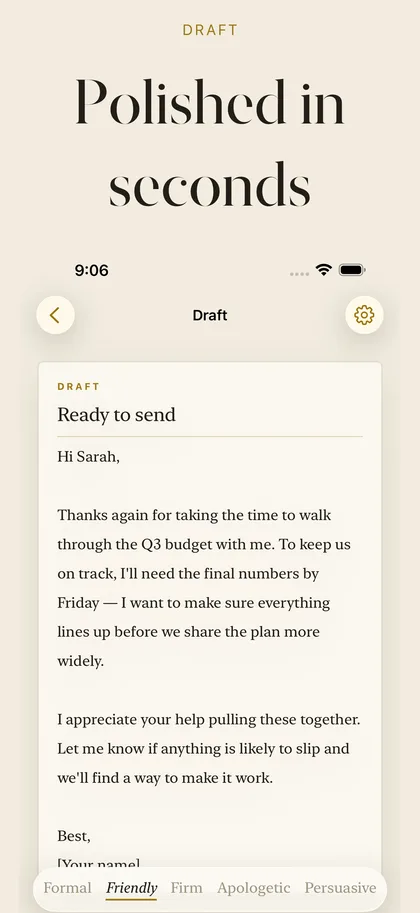
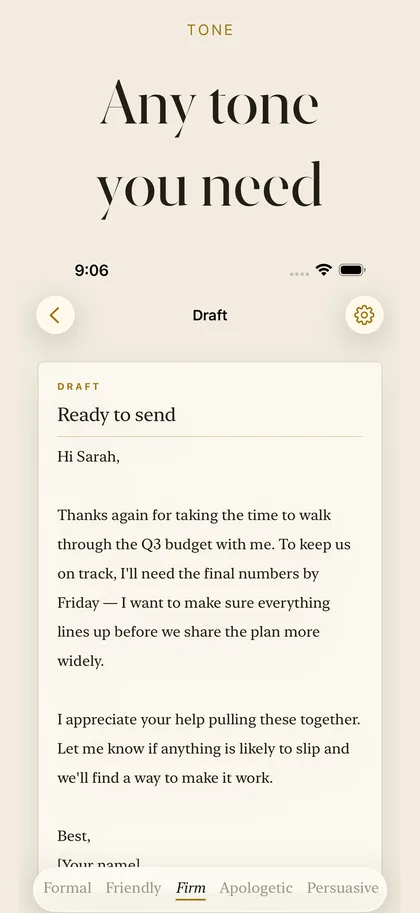
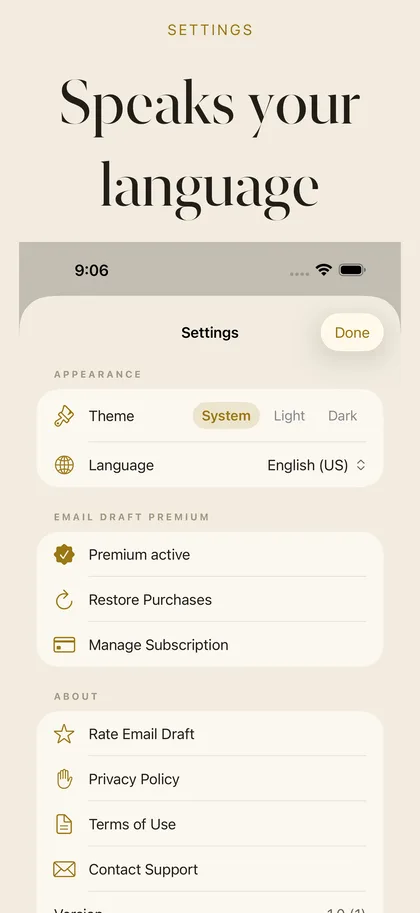
Swipe to see more
What it does
-
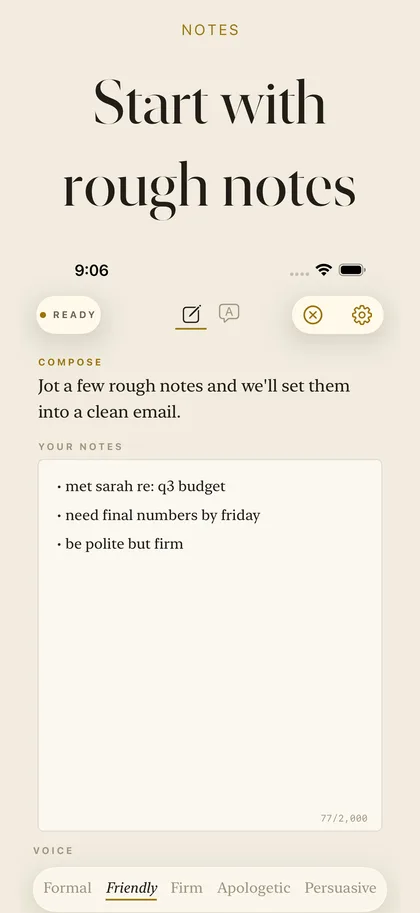
Bullets in, email out
Jot down rough notes and half-formed thoughts, and get a clear message back.
-
Hit the right tone
Formal, friendly, firm, apologetic, persuasive or concise — the same points, your choice of voice.
-
Don't love it? Regenerate
Switch tone or tweak your notes without retyping anything.
-
One-tap send
Copy the result, or share straight to Mail, Gmail, Outlook and more.
-
Stay in control
Every draft is a starting point you can refine until it sounds like you meant it.
-
iPhone and iPad
A clean, writing-forward design that gets out of your way.
What's free, what's Pro
Free
- Write and refine drafts
- Every tone available
- Share anywhere
Pro
- Unlimited drafts and regenerations
- Monthly or yearly — or a one-time lifetime unlock
Your notes are used to write your draft and nothing else. Read Email Draft's privacy policy.
Something not working? Get help with Email Draft — we reply to every message, usually within a day.
Common questions
How does it work?
Jot down rough notes or half-formed bullet points, pick a tone, and Email Draft turns them into a clear, well-written email.
What tones can I choose?
Formal, friendly, firm, apologetic, persuasive or concise — the same points, in whichever voice fits.
What if I don't like the draft?
Regenerate it, switch tone, or tweak your notes — without retyping anything. Every draft is a starting point you can refine.
Can I send straight to my mail app?
Yes. Copy the result with one tap, or share it straight to Mail, Gmail, Outlook and more.
Is Email Draft free?
Yes, to try. Writing and refining drafts, every tone, and sharing anywhere are included. Pro adds unlimited drafts and regenerations, monthly or yearly, or as a one-time lifetime unlock.
Send the email you meant to write.
Free to download on iPhone and iPad.