
Bedleaf
Vegetable Bed Plan & Companion
Lifestyle · iPhone & iPad
Plan your vegetable garden, from the first bed to the last harvest.

Free · One full garden, no account
What it does
-
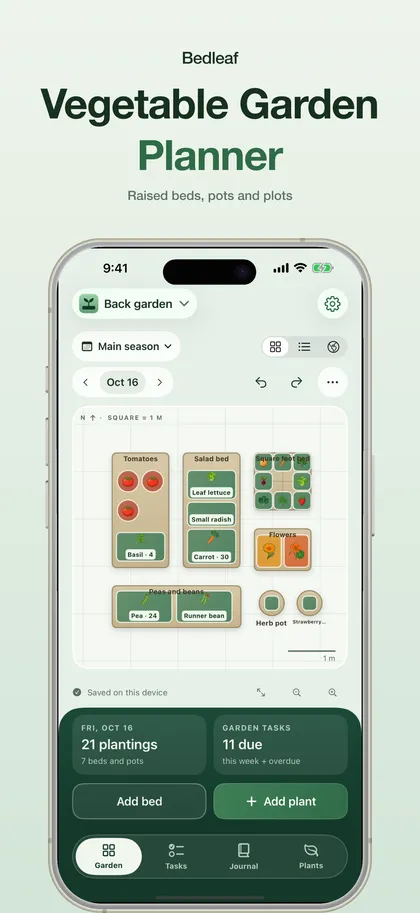
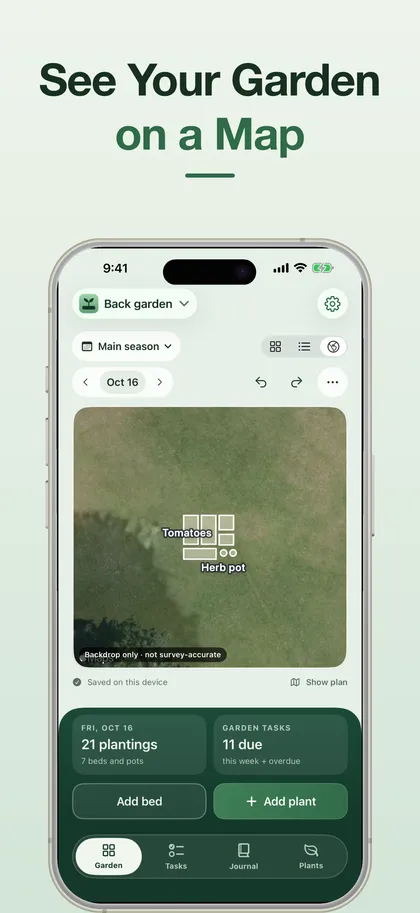
See your whole garden
Raised beds, in-ground plots and pots on one map, at exact dimensions in metric or imperial.
-
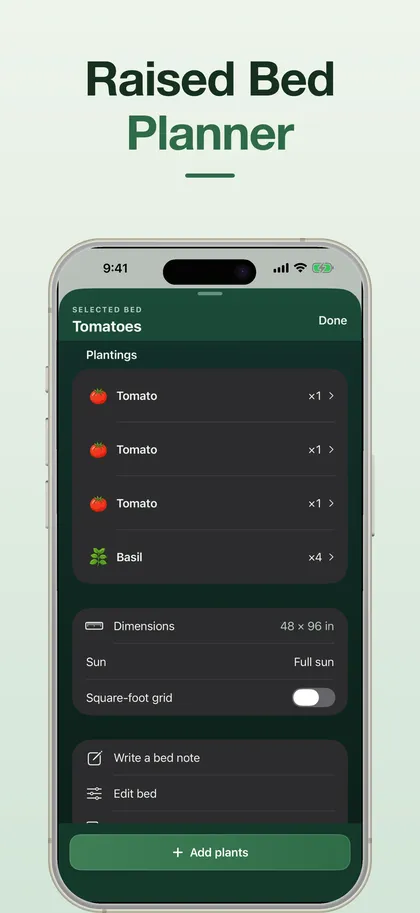
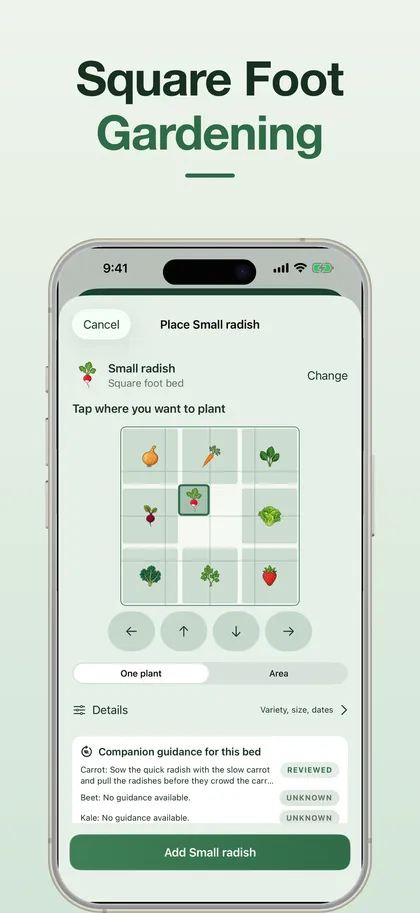
Square foot, or your own way
Switch any bed to a one-foot grid with suggested plants per square — or ignore the grid and plant in rows and patches.
-
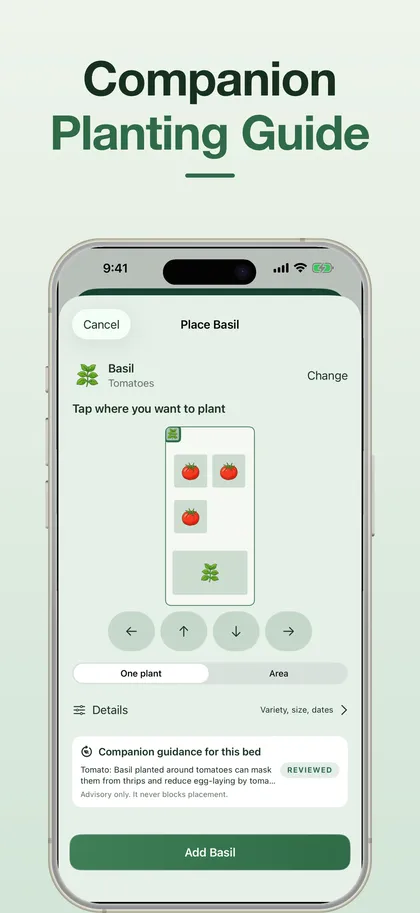
Companion guidance you can check
Every relationship shows its mechanism, its source and how strong that source is. Nothing is ever blocked.
-
Plan the season
Set your own sowing, transplanting and harvest dates, with optional frost-based suggestions and reminders.
-
Keep a useful record
Photos, notes and harvest logs for every planting, and a look back at previous seasons.
-
Works offline
Core planning works without a connection. With Pro, iCloud keeps your gardens the same on iPhone and iPad.
What's free, what's Pro
Free
- One garden with up to 8 beds and pots
- The full crop catalogue and all companion guidance
- Tasks, notes, photos, harvests and CSV export
Pro
- iCloud sync and the satellite map of your plot
- Unlimited gardens, beds and photos
- Succession planning, rotation and printable PDF plans
- Yearly — or a one-time lifetime unlock
No app account needed. Read Bedleaf's privacy policy.
Something not working? Get help with Bedleaf — we reply to every message, usually within a day.
Common questions
Is Bedleaf free?
Yes. One garden with up to 8 beds and pots, the full crop catalogue, all companion guidance, your current season, tasks, notes, up to 20 photos and harvest records, plus archive and CSV export — no purchase required. Pro adds iCloud sync, the satellite map, unlimited gardens, custom crops, succession planning, rotation comparison and printable PDF plans, yearly or as a one-time lifetime unlock.
Does Bedleaf support square foot gardening?
Yes. Switch any bed to a one-foot grid with a suggested number of plants per square, or ignore the grid and place crops wherever you like.
How reliable is the companion planting advice?
Every companion relationship shows its mechanism, its source and how strong that source is. Pairs without reviewed evidence say so instead of showing a verdict. It's reference material, not a guarantee of pest control or yield.
Will it tell me when to plant?
You set your own sowing, transplanting and harvest dates, with optional frost-based suggestions you can edit for your conditions, and optional reminders.
Does it work on iPad?
Yes, on iPhone and iPad. With Pro, iCloud sync keeps your gardens the same on all your Apple devices.
Plan the beds before you dig.
Bedleaf is free to download, with one full garden included from the start.