Cru
Scan, Rate & Manage Bottles
Food & Drink · iPhone & iPad
The cellar app that actually helps you decide what to open tonight.

Free · Scan a label to add a bottle
Swipe to see more
What it does
-
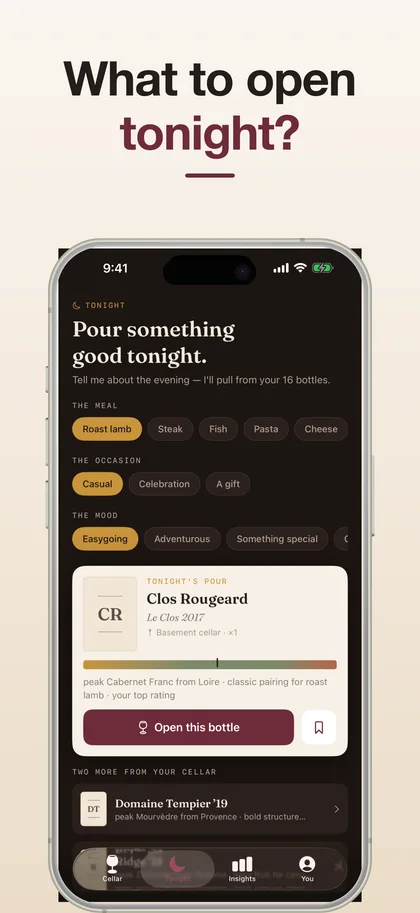
"What should I open?"
Tell Cru what you're eating and it recommends a bottle from your own cellar, ready to drink and matched to your taste.
-
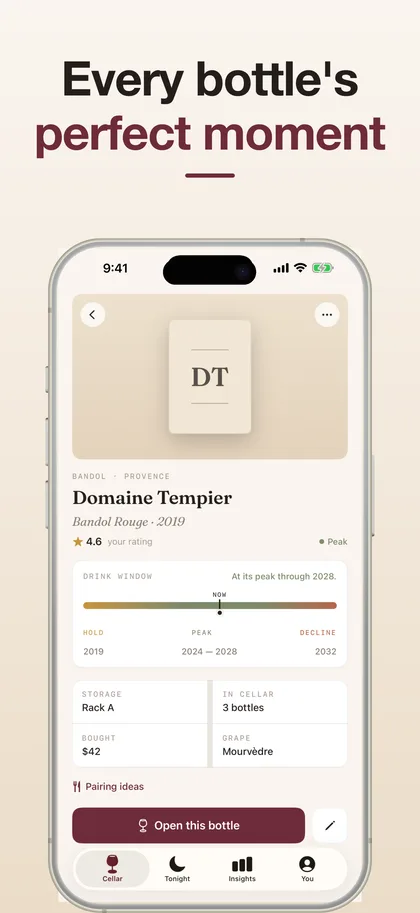
Know when every bottle is ready
A clear drink-window timeline — hold, peak, or past its best — with a nudge the moment a bottle hits its window.
-
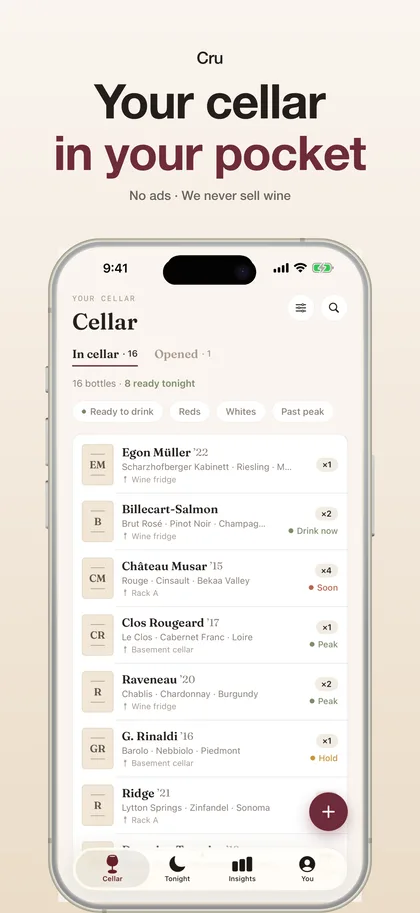
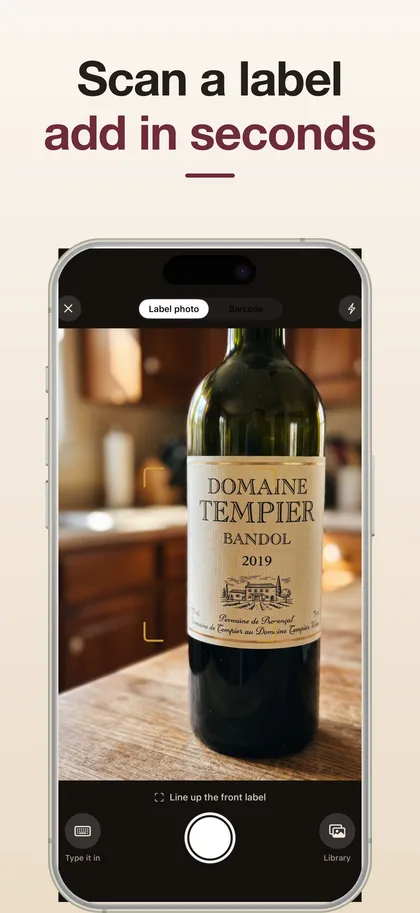
Add bottles in seconds
Scan the label or the barcode. Track quantity, vintage, price and exactly where each bottle is stored.
-
Find any wine instantly
Down to the rack, the shelf or the bin. One tap to open a bottle and log a tasting note.
-
A tasting journal worth keeping
Rate every wine and capture your notes. Cru learns your taste and gets better at recommending.
-
Your year in wine
See what you drank, what you loved, and what's still waiting.
What's free, what's Pro
Free
- Track your cellar
- Scan labels and barcodes
- Tasting notes and ratings
Pro
- Unlimited bottles
- Tonight recommendations and drink-window alerts
- Monthly or yearly — or a one-time lifetime unlock
Your cellar and tasting notes stay on your device. Read Cru's privacy policy.
Something not working? Get help with Cru — we reply to every message, usually within a day.
Common questions
What makes Cru different from other wine apps?
Cru's Tonight engine recommends a bottle from your own cellar — matched to what you're eating, what's at its peak and what you already love — instead of just listing what you own.
How do I add bottles?
Scan the label or the barcode and the bottle is added in seconds. You can track quantity, vintage, price and exactly where each bottle is stored, then find any wine down to the rack, shelf or bin.
Will Cru tell me when a bottle is ready to drink?
Yes. Every wine gets a clear drink-window timeline — hold, peak, or past its best — and a gentle nudge the moment a bottle hits its window.
Is Cru free?
Yes, to download. Tracking your cellar, scanning labels and logging tasting notes are free. Pro adds unlimited bottles, Tonight recommendations and drink-window alerts, monthly or yearly, or as a one-time lifetime unlock.
Where is my cellar data stored?
Your cellar and tasting notes stay on your device.
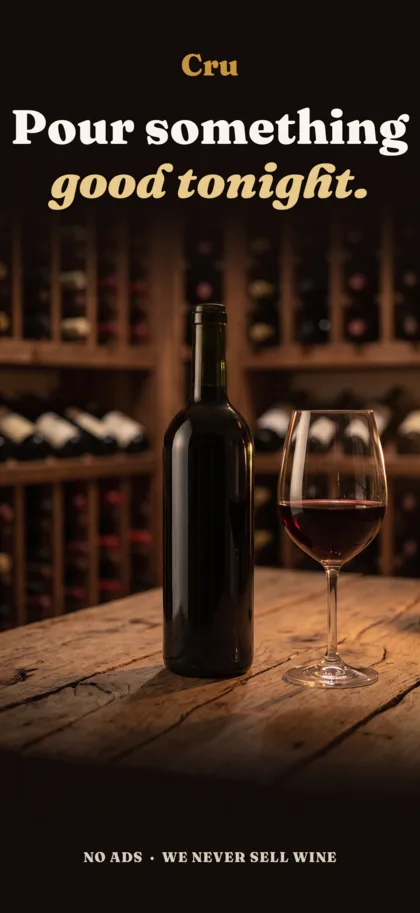
Pour something good tonight.
Cru is free to download and takes minutes to set up.